
FindMeFootball is a free online community for grassroots football. It brings organisers, coaches, team managers and families together in one place, making it easier to find, enter and manage football opportunities.
Listing your tournament is completely free. There are no listing fees, no subscription and no card details to enter. Registration is quick, the listing form is simple, and you can save your tournament as a draft until you are ready to publish.
Once published, your tournament can be found by coaches and team managers searching by location, age group, playing format and organiser-declared level. Create a free tournament listing. It only takes the basics to get started, and you can keep the listing as a draft until you are ready.

Built for the grassroots football community
FindMeFootball is designed to help grassroots football grow by making useful opportunities easier to find and manage.
Organisers can promote their tournaments and keep teams updated without paying to list. Coaches and team managers can search and enquire without paying to use the platform. Families attending an event can follow the information made available on tournament day.
The aim is simple: give the grassroots football community one reliable place to find what it needs.
A quick and simple listing process
Registration only asks for the basic details needed to create your organiser account. Once inside, the tournament form takes you through the information step by step.
To create a basic draft, have these details ready:
- Tournament name
- Date
- Venue and location
- Age groups
- Playing formats
- Entry fee
- Contact email
That is enough to get started. You can add descriptions, images, facilities, policies and other information later.
How to list your tournament
- Create your organiser account. Add your organisation name and contact email.
- Add the tournament details. Enter the date, venue, age groups, formats, entry fee and contact information. You can save the listing as a draft and return to it later.
- Review and publish. Check the information and choose when to publish. Nothing goes live automatically.
- Manage the tournament. Update availability, reply to enquiries and keep teams informed if anything changes.
Create a free tournament listing
What happens after I publish?
If you are publishing for the first time, your listing may be held briefly while FindMeFootball checks that the organiser appears genuine and is connected with the event.
Once your organiser account has been verified, future listings and routine changes can be published immediately.
Verification confirms the organiser behind the listing. It is not an assessment of the club, its coaches or its safeguarding arrangements. How we keep the site safe explains what we do and do not check.
What does a free listing give you?
Your free organiser account gives you one place to:
- Promote your tournament to coaches and team managers
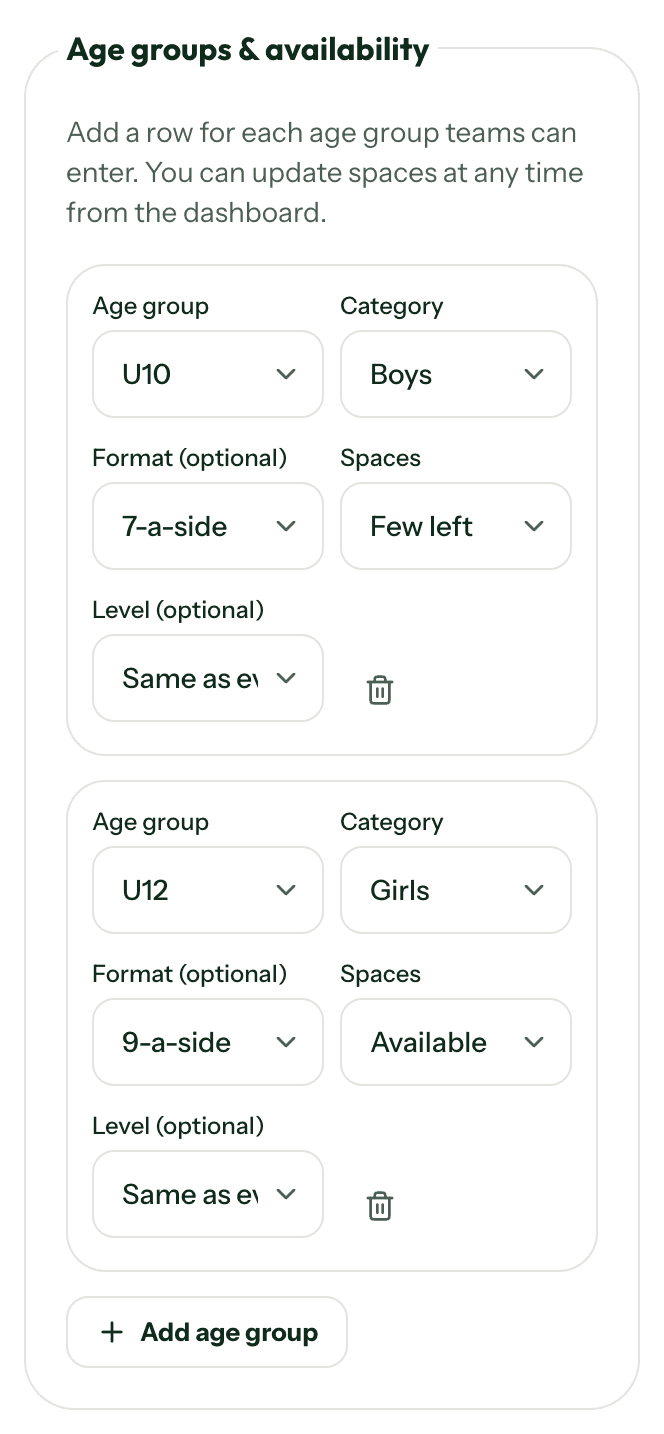
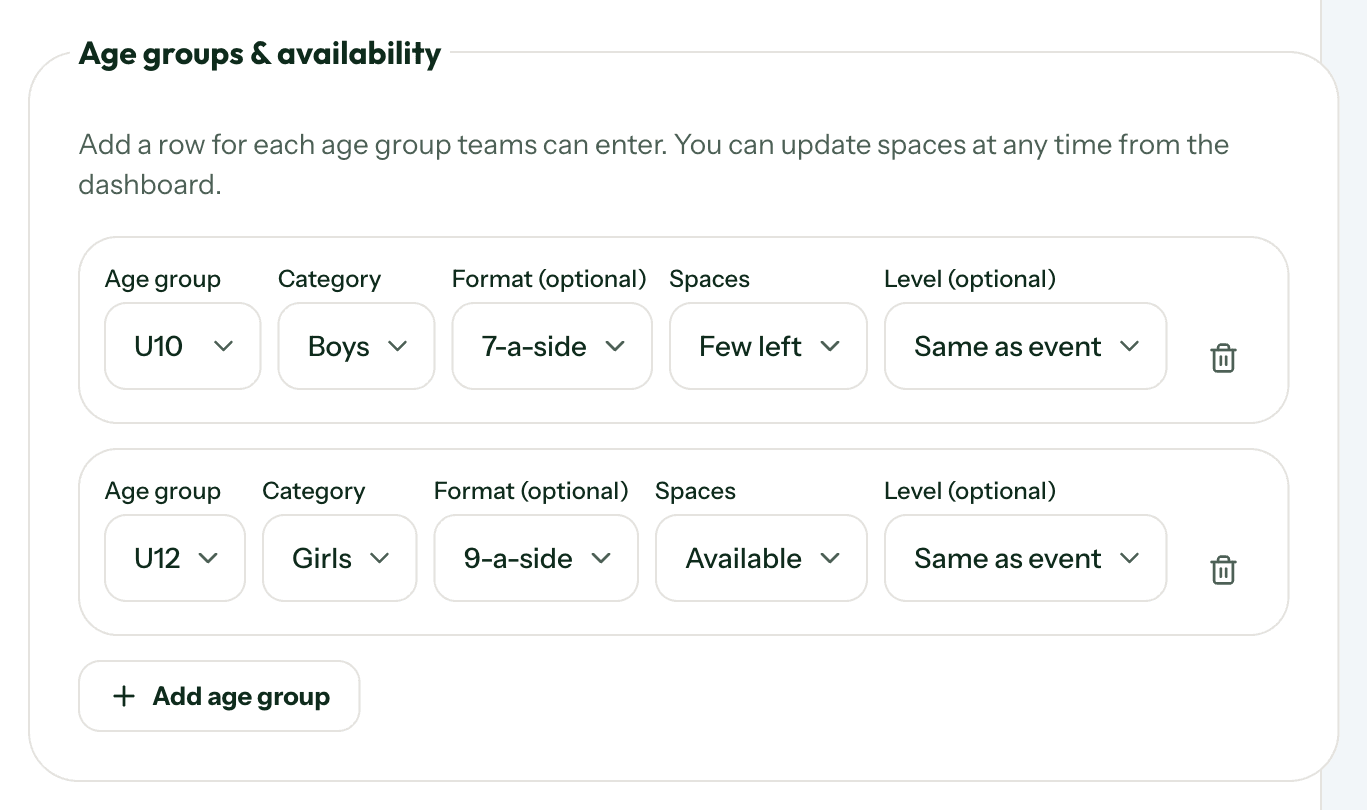
- Manage separate details and availability for each age group
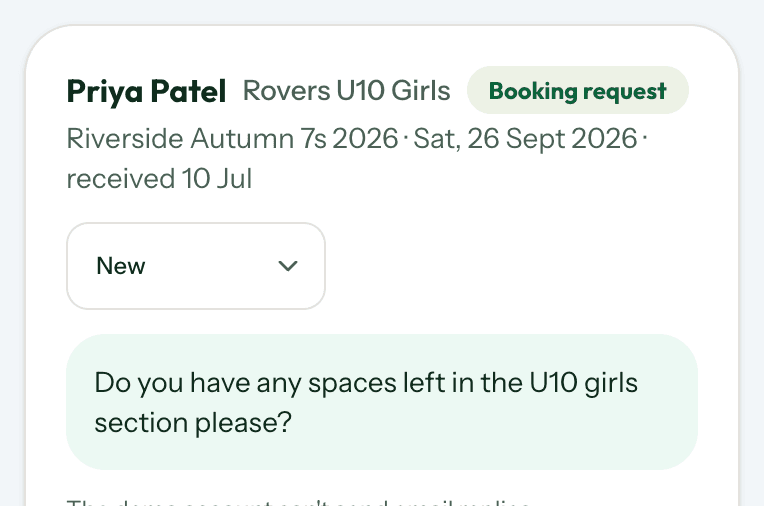
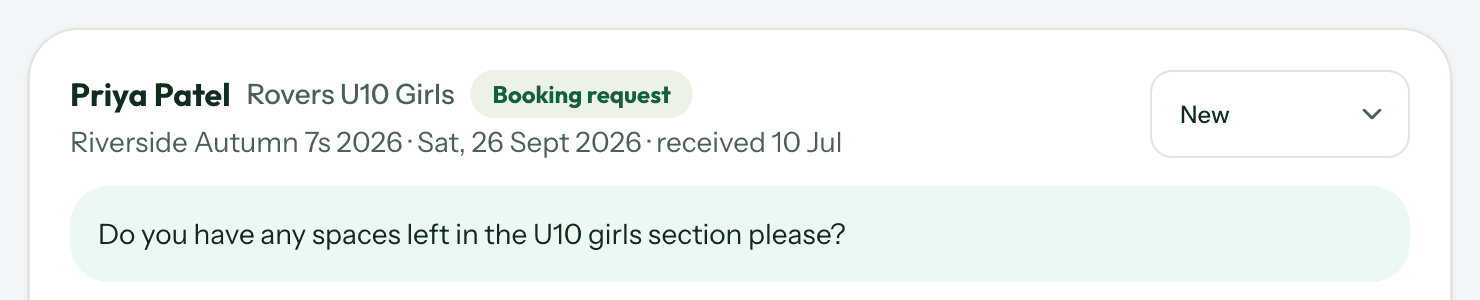
- Receive and reply to enquiries
- Update dates, venues, spaces and event information
- Create fixtures and schedules
- Publish results, tables and knockout stages where the relevant rules allow
- Keep teams and families informed on tournament day
There is no charge to create the account, publish the listing or use the tournament-management tools.
Keep teams updated
Update availability separately for every age group, so teams can see whether spaces are available, nearly full, full or operating a waiting list.
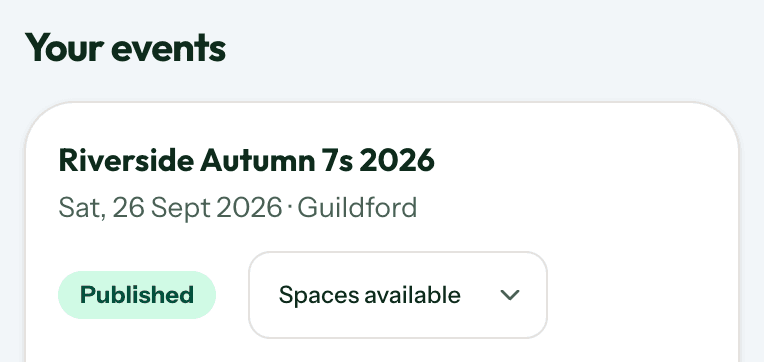
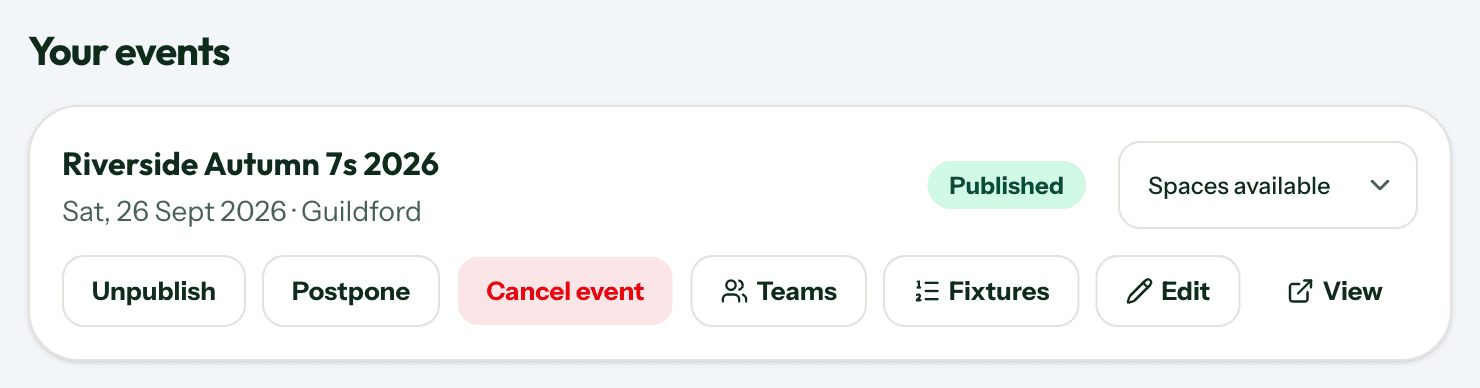
If the tournament is postponed or cancelled, update the listing rather than removing it. Anyone returning through an old link will still see the latest information.
Do I need to publish my phone number?
No. Publishing a phone number is optional. Teams can send an enquiry through your listing, and you can reply by email without placing a personal number on the public page.
What can I include?
Your listing can show:
- Dates, times and venue information
- Separate details for each age group
- Boys', girls' or mixed categories
- Playing format and organiser-declared level
- Spaces available, few remaining, full or waiting list
- Entry fees, booking instructions and an optional external booking link
- Facilities, playing surface, referees and trophies
- Safeguarding and refund information
- A contact email and optional phone number
Fixtures, schedules and tournament-day tools
Add teams, create groups and generate fixtures so coaches, team managers and families attending the event can follow the schedule from their phones.
Where the age group, tournament format and relevant football rules permit, you can also publish results, group tables and knockout stages. Non-competitive festivals can use the schedule and next-match tools without publishing competitive results.
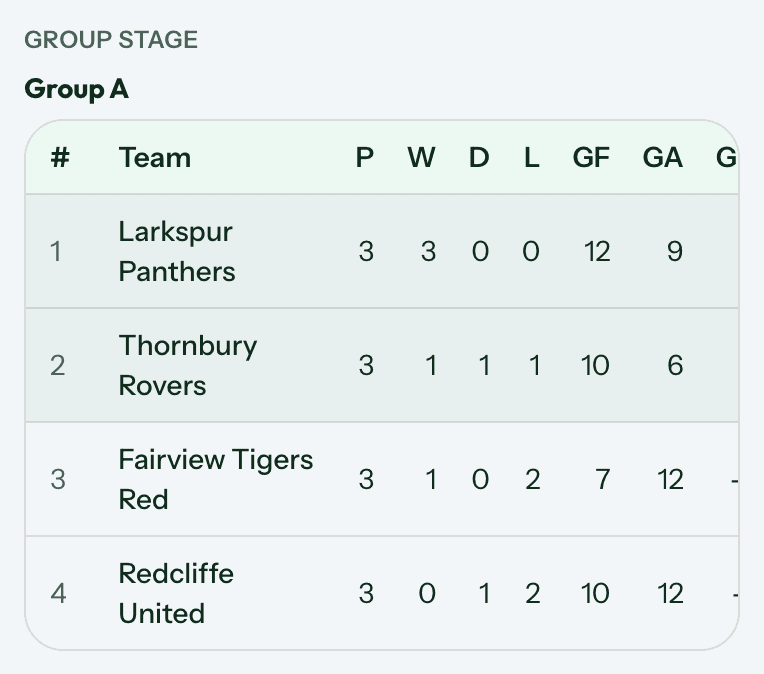
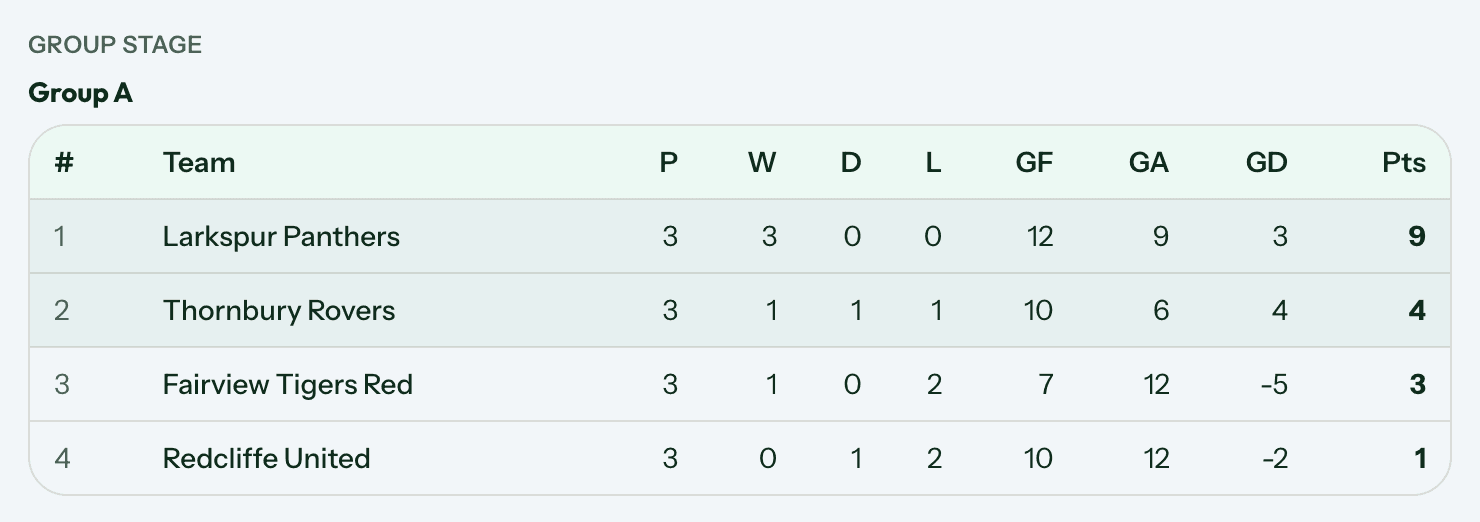
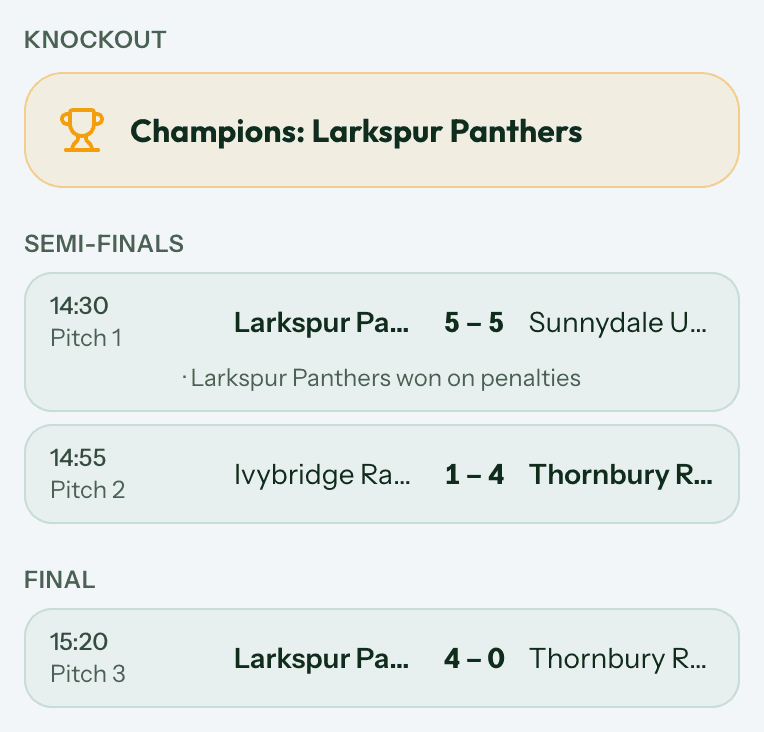
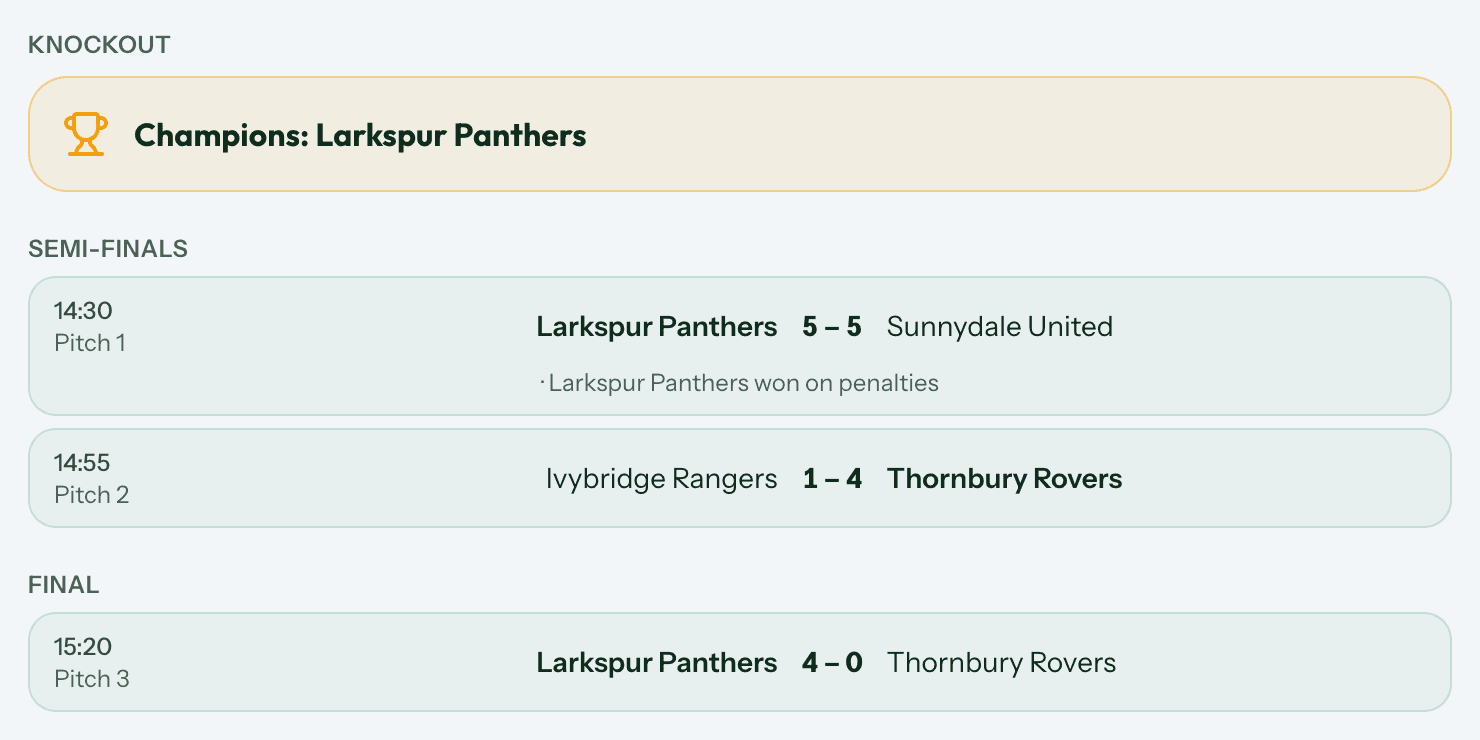
The public schedule becomes visible when the team list is made public and the organiser account has been verified. Our guide to running tournament day covers this in full.
Is your tournament already listed?
FindMeFootball may create a basic listing from publicly available event information. If your tournament is already listed, open the listing and select Claim this listing.
Once your claim has been approved, you can manage and update the information yourself. Browse the tournaments already listed to find yours.
Found a tournament that is not yours? Tell us about a tournament instead.
Ready to list your tournament?
Create a free tournament listing. Join the FindMeFootball community and make your tournament easier for grassroots teams to find.
You can also try the demo organiser account to look round a dashboard before you commit to anything.
Common questions
Is listing free?
Yes. Creating, publishing and managing a tournament listing on FindMeFootball is free, with no card details required at any point.
What if I need to change the date or venue after publishing?
You can update your listing at any time from your dashboard. Once you are a verified organiser, routine changes go live immediately.
Does claiming a listing cost anything?
No. Claiming, like listing, is free.
Can commercial tournament organisers list?
Yes. FindMeFootball is open to grassroots clubs and commercial tournament organisers.